How the best children spanish language iphone apps handle kids who can’t read yet
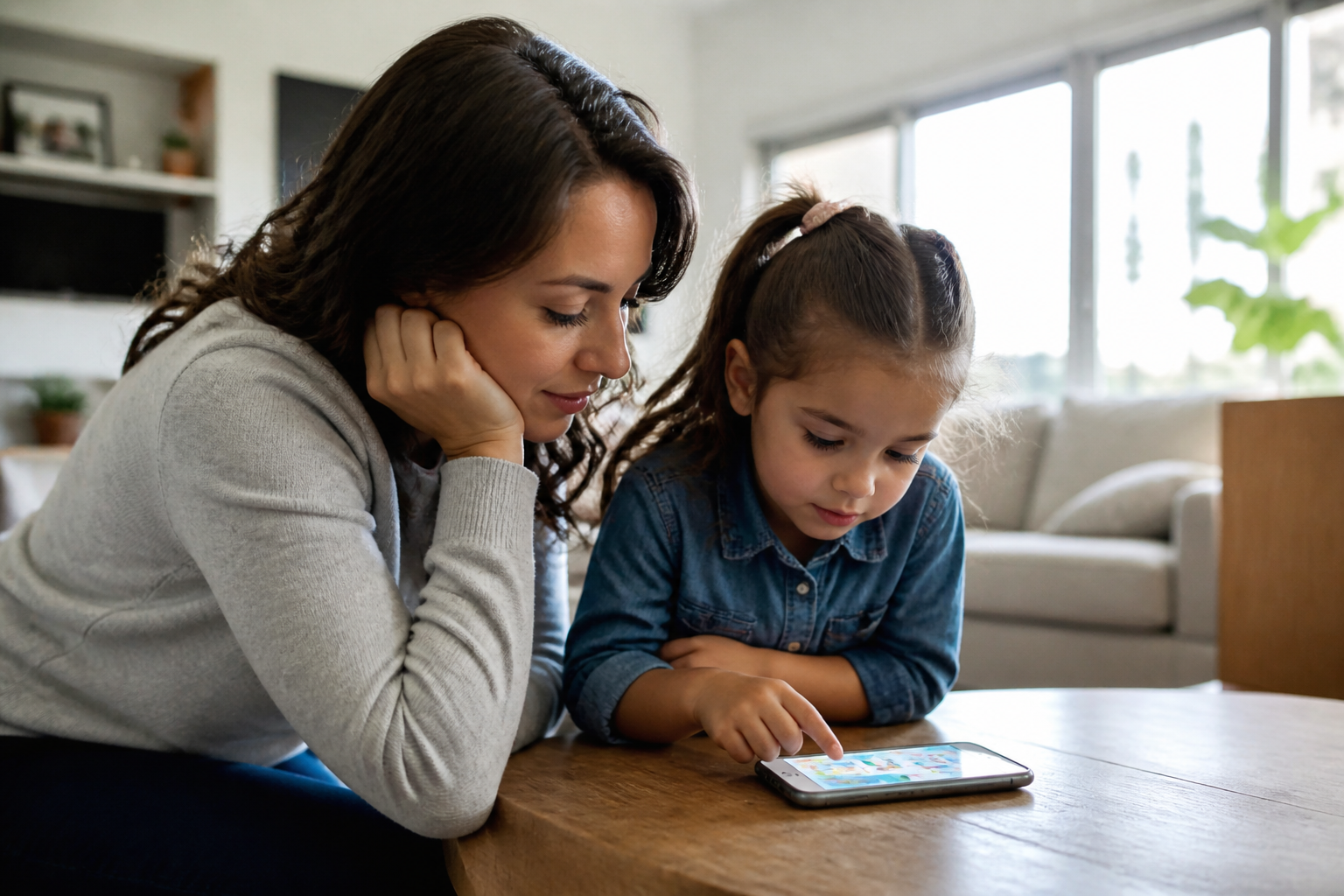
Hand a four-year-old an iPad and watch what actually happens. She won’t read a single menu option — she’ll tap the biggest, brightest icon on the screen and hope for the best. That’s not a flaw in her. That’s just how a pre-reader operates, and it’s exactly why so many language apps fail kids before the learning even starts.
Here’s what most parents miss when hunting for the best children Spanish language iPhone apps: the interface matters just as much as the vocabulary lessons. An app stuffed with written instructions, text-based settings menus, or paragraph-long pop-ups isn’t built for a two-to-eight-year-old — it’s built for someone who can already read, which defeats the whole point. Realistically, if your child needs you sitting beside her tapping every button, that’s not independent learning. That’s babysitting with extra steps.
So what separates apps that genuinely work for non-readers from the ones that just look kid-friendly in the app store screenshots? A lot comes down to design choices most parents never think to check.
Why Reading Shouldn’t Be a Prerequisite for Learning Spanish
Picture a four-year-old handed a tablet with a menu full of small text labels — “Settings,” “Continue,” “Choose Level.” She can’t read a single word. So she taps randomly, gets frustrated, and hands the device back within ninety seconds. That scene plays out constantly, and it’s exactly why the best children spanish language iPhone apps skip text-based navigation almost entirely for young users.
What Pre-Readers Actually Need From an App Screen
Kids ages 2 to 8 respond to pictures, color, and sound — not paragraphs. A well-built screen for this age group leans on icons, animal characters, and a friendly voice explaining what to tap next. No login screen full of instructions. No settings menu buried in jargon. Just a picture, a sound, a tap.
The Problem With Text-Heavy Menus for Ages 2-8
Here’s what most people miss: a menu that looks simple to an adult can be a wall to a five-year-old. Words like “resume,” “profile,” or “subscription” mean nothing to a child who hasn’t started phonics yet.
That mismatch is why so many downloaded apps get abandoned in week one — not because the content was bad, but because the child couldn’t get past the front screen alone.
How Icon-Based Design and Audio Cues Replace Written Instructions
A four-year-old can’t read a menu bar. That’s the whole problem with half the apps parents download — it’s exactly what separates the best children’s Spanish language iPhone apps from the rest. Icons, colors, and sound cues have to do the job a text label would do for an older learner — no exceptions.
Picture-First Navigation That Toddlers Can Tap Through Alone
Look for a home screen built around pictures: a paw print for animals, a plate for food, a house for family words. Kids recognize shapes and colors long before they recognize letters. A well-designed app repeats the same icon in the same spot every session, so a toddler builds a kind of muscle memory — tap the star, hear the word, tap again to play. No sign-in screens full of text, no settings menus a child has to decode on their own.
Voice-Guided Games vs. Apps That Assume Reading Skills
Here’s what most people miss: a lot of apps marketed to young kids still lean on written prompts buried under the cartoon graphics. That’s a mismatch. The stronger option narrates everything out loud — instructions, prizes, even encouragement — so a child never hits a wall waiting for a grown-up to translate a sentence. If your child can follow a story by ear, they can follow a well-built app the same way.
What to Look for When Testing a Spanish App With a Non-Reader
Can your four-year-old actually get from the home icon to a finished lesson without asking for help? That’s the real test. Not the app store description, not the screenshots — the actual fumbling-with-tiny-fingers reality. Among the best children’s Spanish language iPhone apps, the good ones use pictures, sound, and color instead of text-heavy menus. If your kid needs you to read a single instruction out loud, that’s a problem.
A Five-Minute Test You Can Run at Home
Hand your child the phone. Say nothing. Watch what happens. A strong app should let them:
- Tap into a lesson using icons alone
- Understand what to do from a picture or short spoken prompt
- Finish one activity without hitting a dead end or confusing setting
If they’re lost by minute two, that app isn’t built for pre-readers — no matter how polished the marketing looks.
Red Flags: Menus, Settings, and Pop-Ups That Trip Up Little Fingers
Watch for text-only buttons, nested settings menus, or sign-in screens that demand typing. These stop a non-reader cold. Also flag anything asking for an email, a login, or account creation mid-session — that’s a job for parents, not toddlers. A well-built app keeps kids inside the play area entirely, with adult controls tucked behind a simple math question or long-press gesture.
Speaking Practice Without Reading: Why Pronunciation Feedback Matters Early
Roughly 90% of a 4-year-old’s spoken vocabulary comes from listening and repeating, not reading. That single fact explains why the best children’s Spanish language iPhone apps lean so hard on voice, not text. A child who can’t sound out a single letter can still hear a word, try it out loud, and get a response. That’s the whole game.
How Real-Time Voice Games Work for Kids Who Can’t Sound Out Words
Here’s what most people miss: these speech-recognition games don’t need the child to read the target word at all. The app plays audio, shows a picture, and listens as the child repeats it back. Feedback lands instantly — a color change, a happy animation, a gentle retry — so the child self-corrects without an adult translating instructions. No login, no typing, no waiting on customer service. Just talk and play.
Building Confidence Before Formal Spanish Lessons Begin
And that’s exactly why early speaking practice matters more than vocabulary lists. A kid who’s already comfortable saying “gato” out loud walks into a classroom conversation without the freeze-up. Confidence built through low-stakes repetition beats memorization every time. Realistically, that’s the gap most reading-based programs never close.
A four-year-old doesn’t need to read a word to fall in love with a second language. That’s the real test of quality here — not how many vocabulary lists an app crams in, but whether a child can open it, tap around, and start playing without an adult hovering nearby to translate menus. The best children’s Spanish language iPhone apps get this because they build for small hands and short attention spans first, then layer academic content on top.
Icons over instructions. Voices over walls of text. Speaking practice that rewards a wobbly attempt at “gato” instead of punishing it. These aren’t nice extras — they’re the difference between an app that gets abandoned after three days and one that becomes part of a weekly routine.
Before committing to anything, hand the phone to your own pre-reader and watch what happens in the first five minutes. If they’re stuck, frustrated, or calling you over every screen, keep looking. If they’re tapping, laughing, and repeating words back at the screen unprompted? That’s a sign worth trusting more than any star rating.